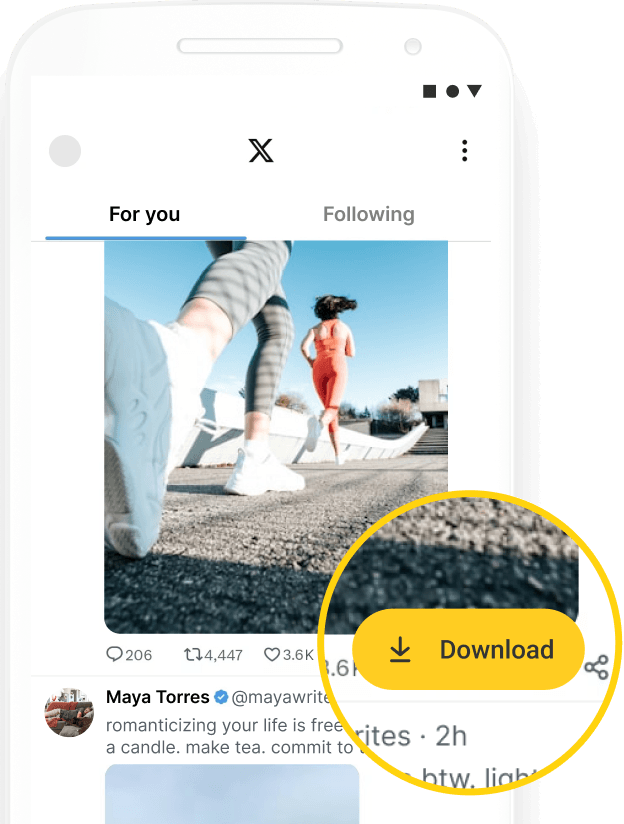
Twitter GIF Downloader
Downloading GIF from Twitter with Hitube is 100% free, quick, and completely pop-up clean.
Downloading GIF from Twitter with Hitube is 100% free, quick, and completely pop-up clean.
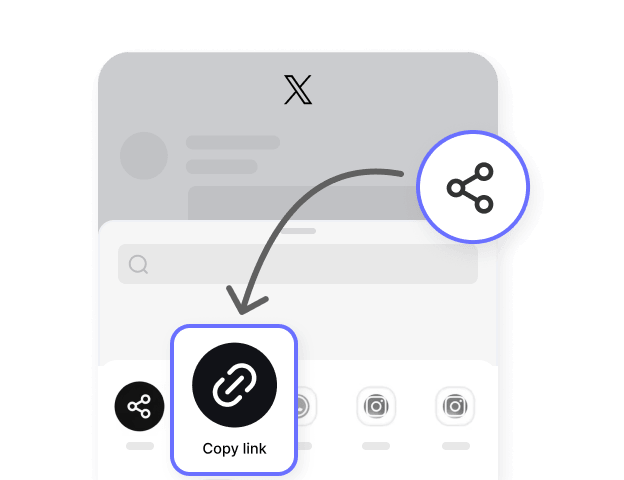
Find the tweet containing the GIF you want. On the app, tap Share and then "Copy link." On desktop, just grab the URL from your browser's address bar. Either link format works — twitter.com or x.com.

Open Hitube's Twitter GIF saver, paste the copied link into the input box, and tap Download. Hitube detects the animated content automatically.

Preview the animation, then tap Download to save. The file is saved as MP4 — Twitter's native format for GIF content — so it plays smoothly on any device, any app.


Hitube gets you the best quality GIF that Twitter has. It saves as MP4 because that's how Twitter keeps all GIFs. Don't worry, it looks just as good and plays super smooth.

You don't need to make an account or pay anything. Just paste the link and hit Download. That's it. Do it as many times as you want, it's always free.

Copy the link, paste it, tap Download. Done. Like ten seconds, seriously. You don't need to change any settings, Hitube does everything for you.

Works on your phone, your tablet, your computer, whatever. Just open the browser. You don't need to download any app or install anything extra.

No annoying pop-ups. No fake buttons that trick you into clicking weird stuff. Just a clean page where you get your GIF and go.

We don't ask for your password. We don't ask for your email. We don't save what you download. You get your file and we forget you were even here.
A Twitter GIF is a short, looping animation that plays automatically in a tweet. You can find them in replies, comments, and posts all over Twitter. But here is something most people don't know: Twitter actually converts GIFs into short MP4 video files to save space and load faster. That is why when you try to save a GIF from Twitter, you often get a video file instead of a real GIF. Currently, HiTube's Twitter X GIF downloader can help you download Twitter GIFs in MP4 format, but we are planning to let you download real GIF files with us in the near future.
For Android users, our free APK makes downloading GIF from Twitter even quicker. Browse tweets inside the app's built-in browser, tap to download, and manage all your saved files in one library — GIFs, videos, and music from 50+ platforms.