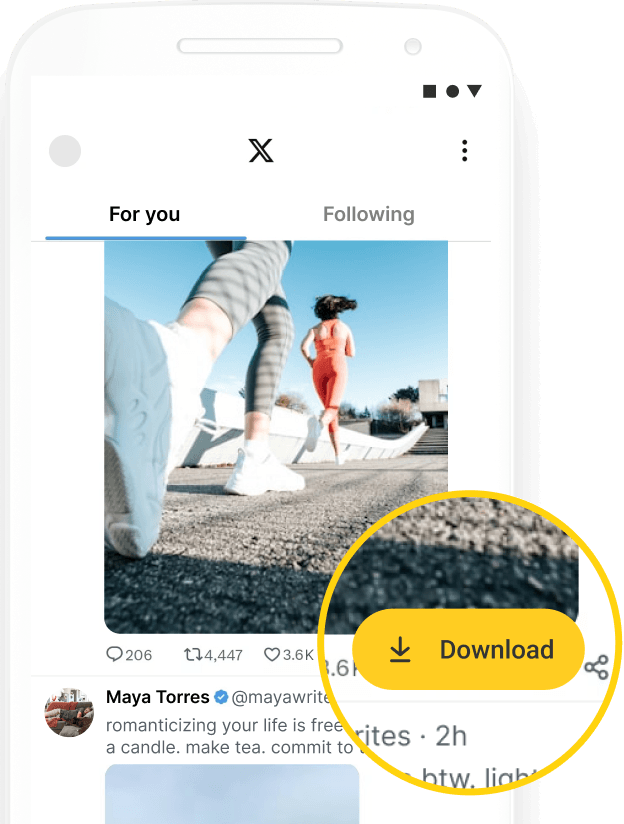
Twitter Video Downloader
Freely download a video from a tweet (x.com) here. Get your Twitter videos in different resolutions, such as SD, HD, 2K, etc.
Freely download a video from a tweet (x.com) here. Get your Twitter videos in different resolutions, such as SD, HD, 2K, etc.
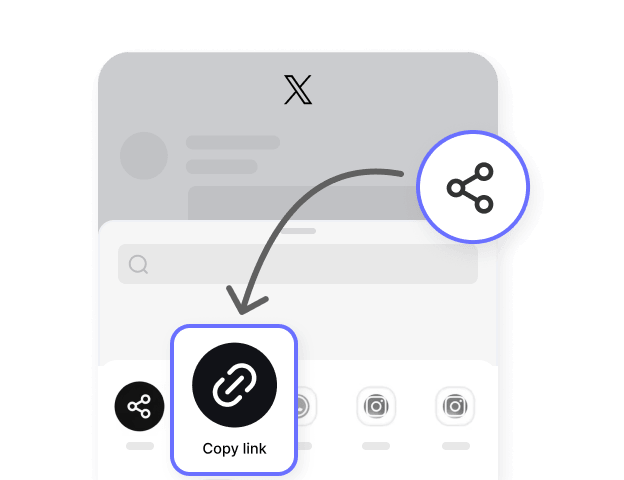
Open the Twitter app on your phone or x.com on desktop. Find the public video you want to download. Tap the Share icon to copy the link, or copy the URL directly from browser.

Open Hitube's Twitter Downloader page (or any other downloader page) and paste the video link into the input box. Don't forget to click the Download button.

If everything goes well, the content will appear, and you can choose between HD and SD resolutions to save videos from Twitter.


No pop-ups, no banners, no autoplay videos screaming in the corner. Hitube loads clean and stays clean. That's not a limited-time thing, that's just how we built it.

One button, one job. Click Download and it downloads. No mystery buttons that open random tabs, no trick ads disguised as actions. Just a clean page that does what it says.

Download video from Twitter between HD and SD quality with us. You decide what you need instead of getting whatever a tool gives you.

Paste any public tweet link into Hitube. Video? Got it. GIF? Got it. Multiple photos? Got them all. One X downloader handles everything, no need to switch between different sites or pages for each type.

Twitter changed its name but your old bookmarks still work here. Hitube accepts both twitter.com and x.com URLs, so you never have to think about which link format you copied.

We doesn't need your Twitter password, doesn't make you create an account, and doesn't store what you download. You paste a link, save the file, and we forget you were even here.
Every day, millions of videos are posted on Twitter. Some blow up fast but get deleted soon after. Others just disappear in your feed and you can never find them again. If you've ever tried to scroll back and look for a video you saw before but couldn't find it, you know how upset that feels.
Hitube's Twitter downloader fixes this problem for our users. Just copy the tweet link and paste it above, and the video appears with different resolution options. The whole thing takes less than 10 seconds. No account, no ads pop up, and no money to pay. It works right in your browser on any phone or computer.
We let you pick from different video quality levels so you can choose the one that works best for you. Whether you're saving videos for a long flight, collecting tutorials to learn from, or keeping funny clips to share with friends, we're happy to help with that.
But please keep in mind that all content belongs to the original creators. We suggest you only use downloaded videos or images for personal viewing and collection.
Want to skip the copy-paste altogether? Our free Android app has a built-in browser. Scroll through Twitter, spot a video, tap the floating download button in the corner. Done. The app also works with 50+ other platforms and lets you manage everything in one library.