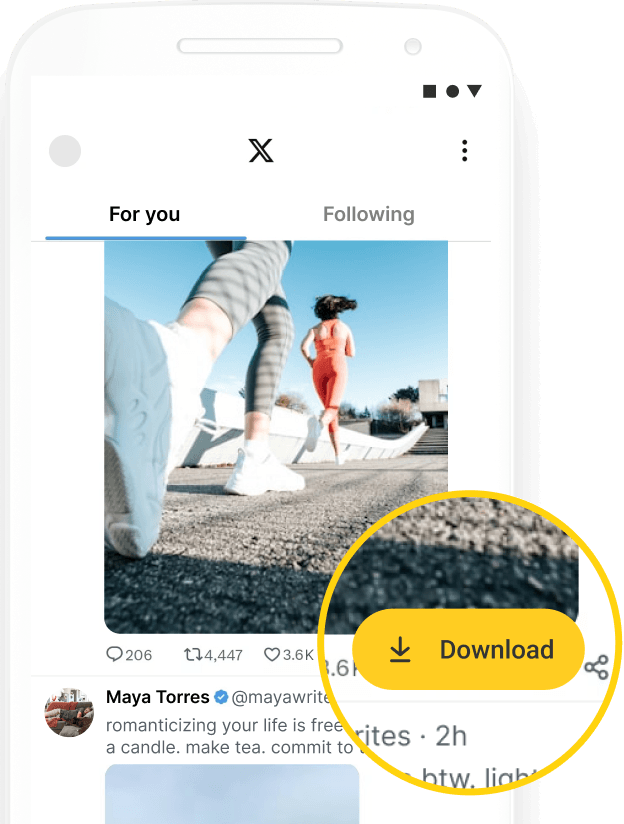
Twitter Image Downloader
Download photos from Twitter in full resolution for free, with no limits.
Download photos from Twitter in full resolution for free, with no limits.
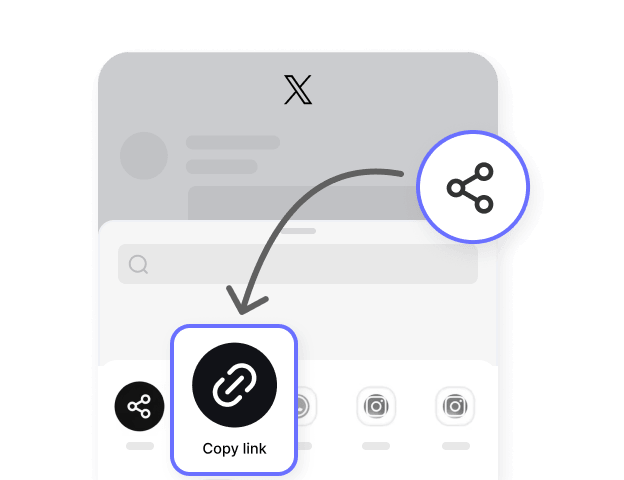
Open Twitter or X and find the tweet with the photo you want to save. Tap Share and copy the tweet link, or copy the URL from your browser address bar.

Open Hitube’s Twitter image downloader online, paste the copied link into the input box, and click the Download button.

Preview the available images and download images from Twitter to your phone or computer. Hitube also helps you download picture from Twitter posts in the best available quality.


Hitube makes Twitter photo download simple and fast, helping you save clear images from public Twitter posts in the best available quality.

Downloaded Twitter images are saved as JPG or PNG, depending on the original format. If the source image has a transparent background, Hitube preserves it — no white fill, no format conversion, no surprises.

Our Twitter image saver online supports public links from both twitter.com and x.com (https://x.com/username/status/xxxx or https://twitter.com/username/status/xxxx), making Twitter image download simple even after the platform name change.

No pop-ups, no fake buttons, no watermarks stamped on your photos. What you see on Twitter is exactly what you get — a clean image, downloaded to your device with nothing extra added.

When a Twitter post includes multiple photos, Hitube finds every available image for you. You can preview them and download up to 4 photos from the same post with one click.

Hitube only needs a public Twitter post link. You do not need to log in, authorize an account, or share personal information to download picture from Twitter.
A single tweet can contain up to 4 photos, and you don't want to miss any of them. With our Twitter X photo downloader, you can save every photo from a multi-image tweet without having to copy the link four times. Just paste the tweet link once and all the photos will show up for you to download.
We may give you JPG or PNG format. JPG files are smaller in size, perfect for saving storage space on your phone. PNG files keep better image quality with no compression, great for wallpapers, design references, or any time you need a clearer image. It all depends on the original format of the uploaded Twitter photo.
Hitube also offers a free Android app for faster Twitter image downloads and supports more than 50 social media platforms. With our APK, you can save videos, photos, GIFs, and music, watch content offline, and manage downloads in one place.